The thermal photo effect for Android
Your photos
in heat.
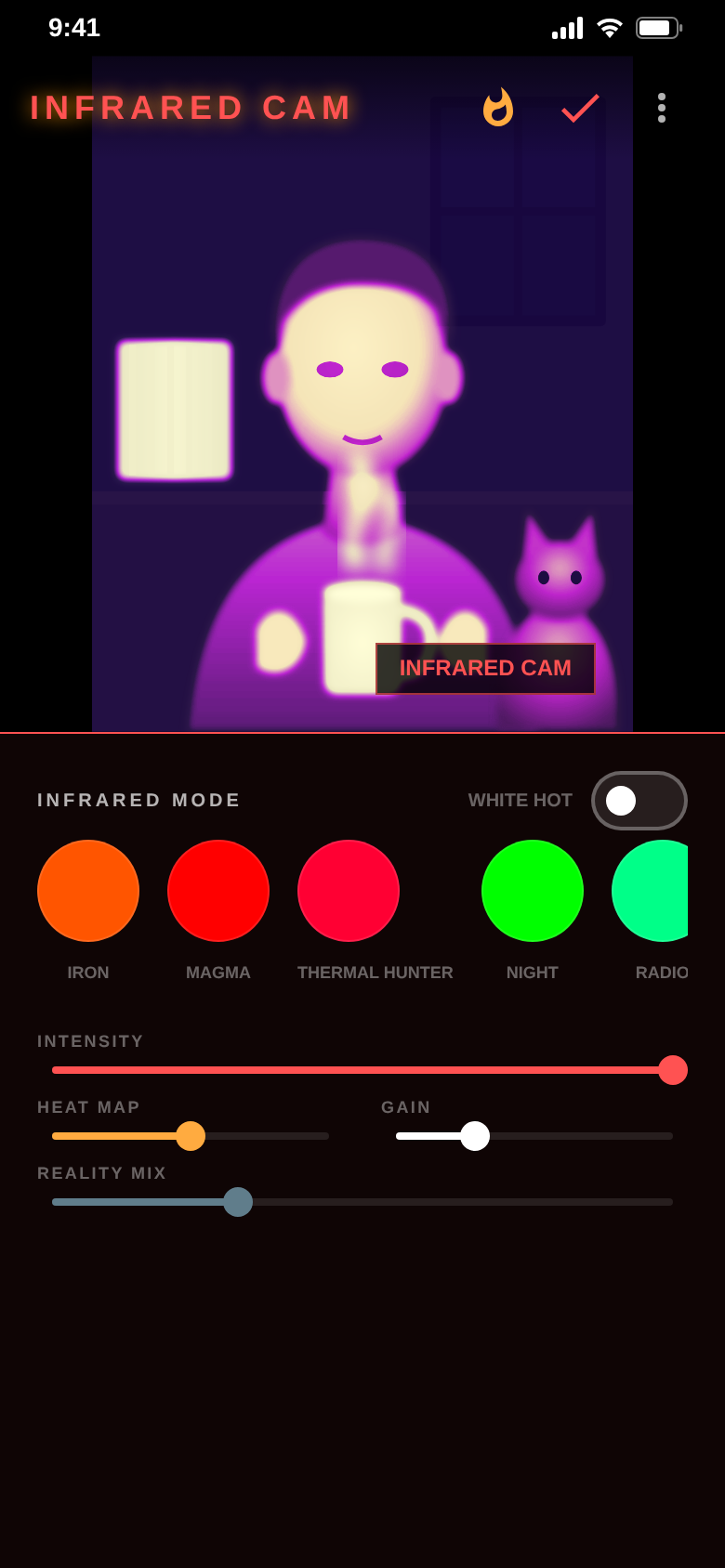
Normal photos look ordinary. RED Cam turns bright areas into glowing heat and dark areas into cold – faces, hands and your coffee light up like in a thermal movie.


- Free
- Photos stay on your device
- No account needed
Android only for now.
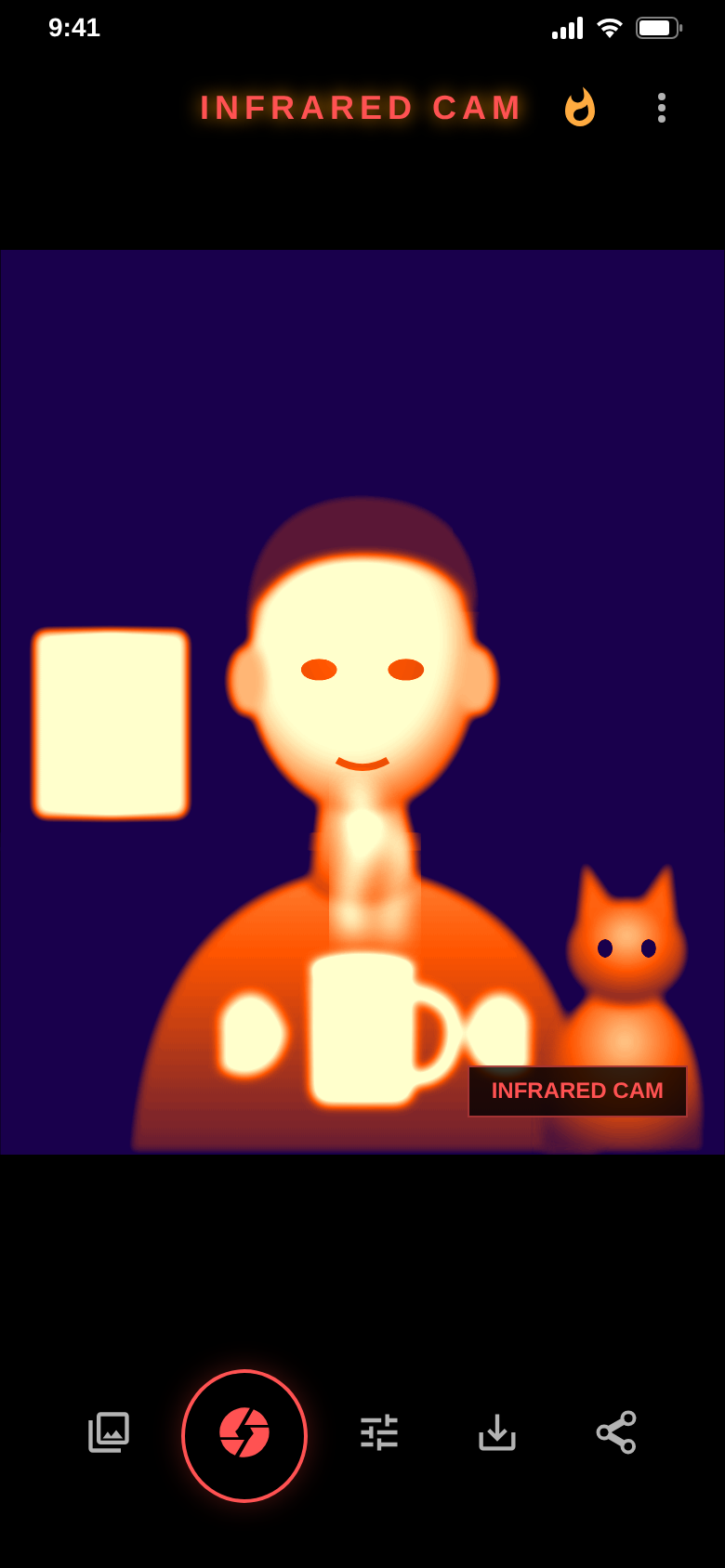
Fine-tuning
Your look. Down to the detail.
Pick one of 8 infrared filters and set how strongly it glows. Heat map controls the contrast, gain the brightness.
Intensity, heat map and gain – each with its own slider.
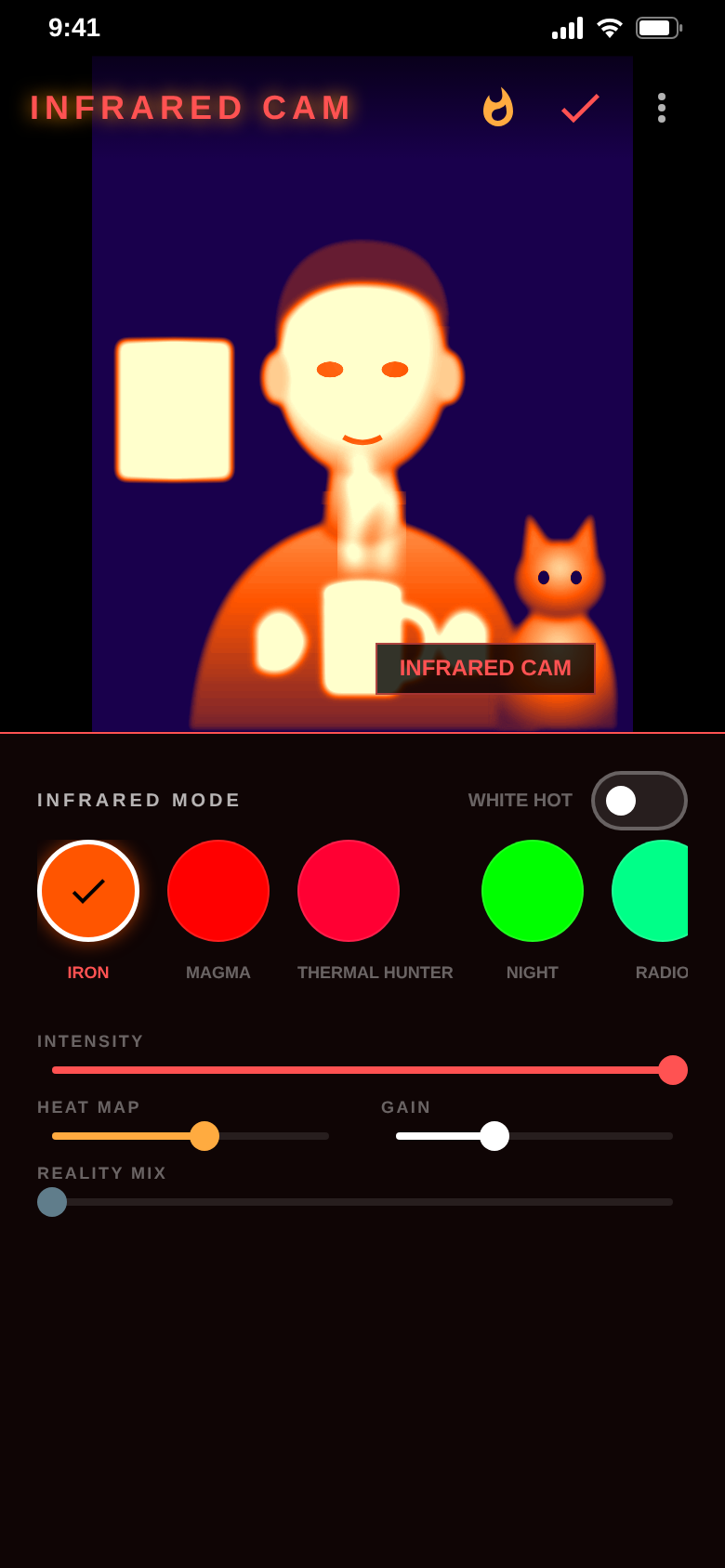
Night vision
Green like night vision.
NIGHT and RADIO give your photo the look of a night-vision device. IRON, MAGMA and THERMAL HUNTER glow in red and orange.
Switch filters with one tap and see the result straight away.
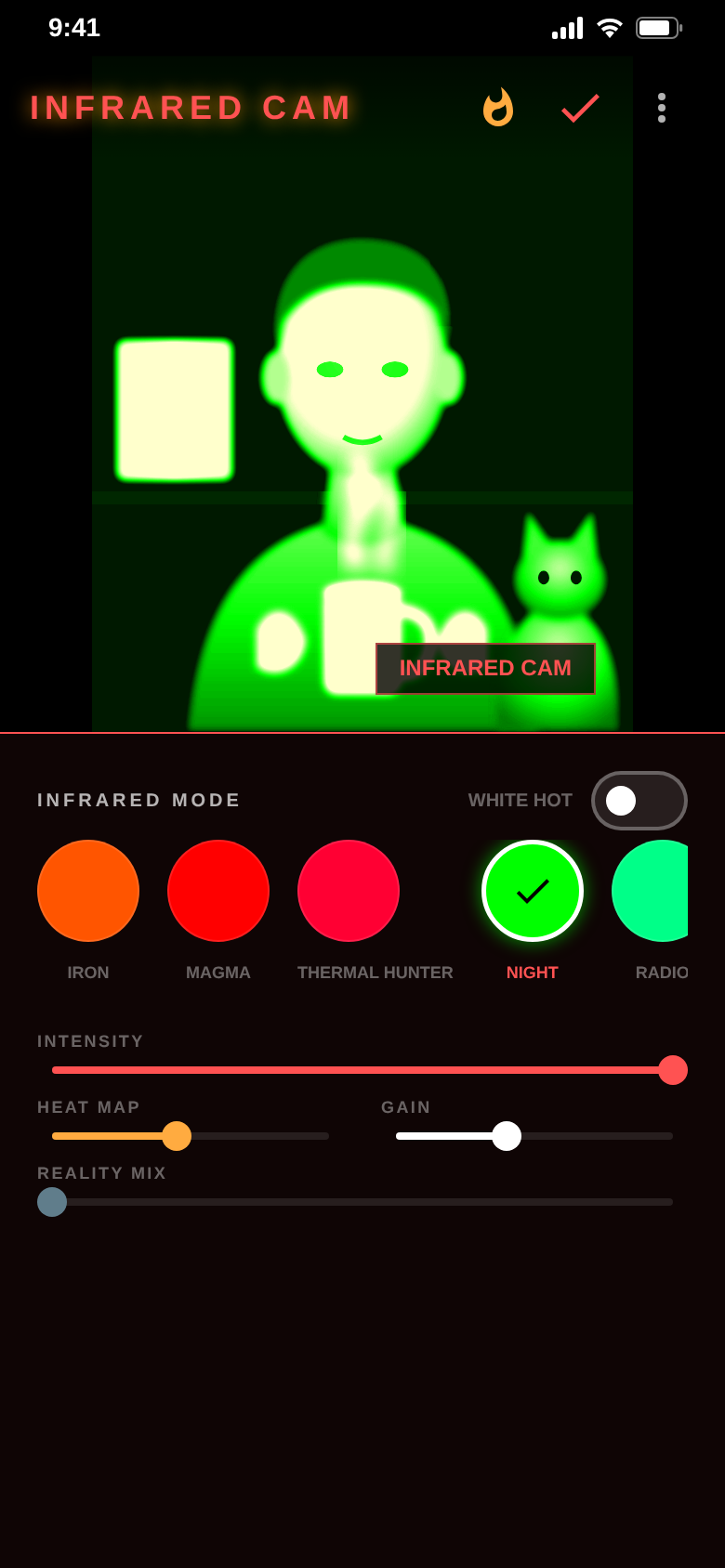
Bright glows. Dark stays cold.
That is the whole trick.
RED Cam maps the brightness of your photo to thermal colours – as a creative effect, not a measurement.
White hot · Black hot
Flip the heat with one switch.
White hot shows warm areas bright, black hot shows them dark. Like the two modes of a real thermal camera.
Works with every filter.
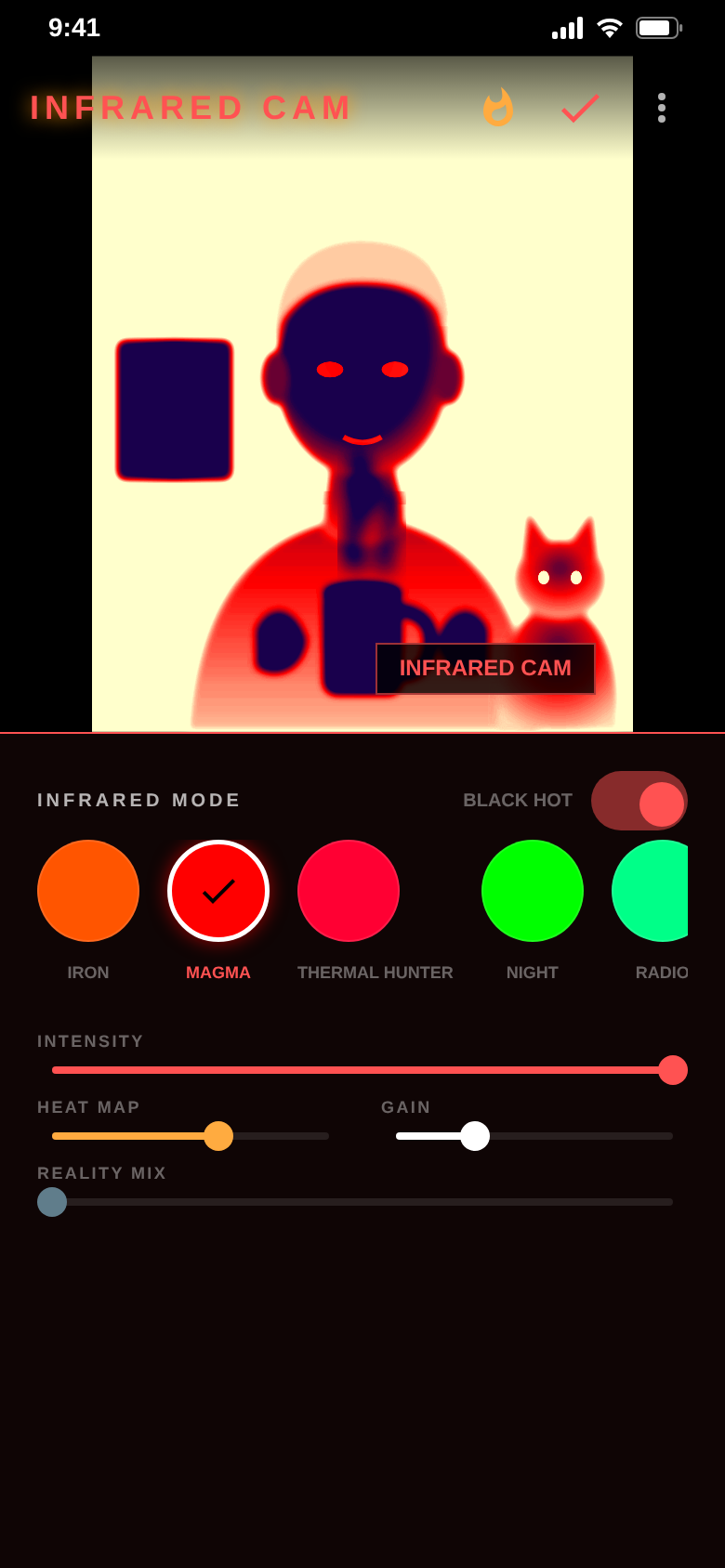
Reality mix
Effect and original. Blended.
Reality mix blends the effect with your original photo, step by step, until the room behind shows through again.
Slide back to zero for the full thermal look.
The difference
Thermal look without the expensive gear.
- A single, fixed thermal filter8 infrared filters from IRON to SPECTRAL
- The effect is too strong or too weakIntensity, heat map and gain with sliders
- Warm areas always shown the same wayWhite hot or black hot with one switch
- Only the effect, the photo is goneReality mix blends effect and original
- Uploading photos to an online toolEditing happens on your device
And a lot more.
8 infrared filters
IRON, MAGMA, THERMAL HUNTER, NIGHT, RADIO, COLD, SPECTRAL and WHITE HOT.
Camera or gallery
Shoot a photo straight away or load one you already have.
Icy blue with COLD
Not everything has to glow red: COLD gives your photo a frozen look.
Save & share
Save to your gallery or share straight away, in high resolution.
Watermark optional
Watch a short video to export without it.
Ad-free with Pro
Removes ads and the watermark for good – as a subscription or a one-time purchase.
Quick questions.
Who is RED Cam for?
What does RED Cam cost?
How does RED Cam make money?
Does RED Cam use a real thermal sensor?
Can I use photos I already took?
Do my photos leave my phone?
How do I get rid of the watermark?
How do I cancel Pro?
Get RED Cam.
Pick a photo, choose a filter, watch it glow. Done.
Free for Android.